Choosing Numbered Sock Patterns: Save the Exact Design
When comparing numbered sock designs, save the full product name, exact option label and matching image together. The two examples below both use “Pattern 1” for different designs. That label alone is not enough to record which of these choices you want.
Two Pattern 1 choices can look different
On this white short-sock design page, the image assigned to Pattern 1 shows a white short sock with fine vertical texture and small tonal details. It is pictured on a wooden surface beside a blue plate.

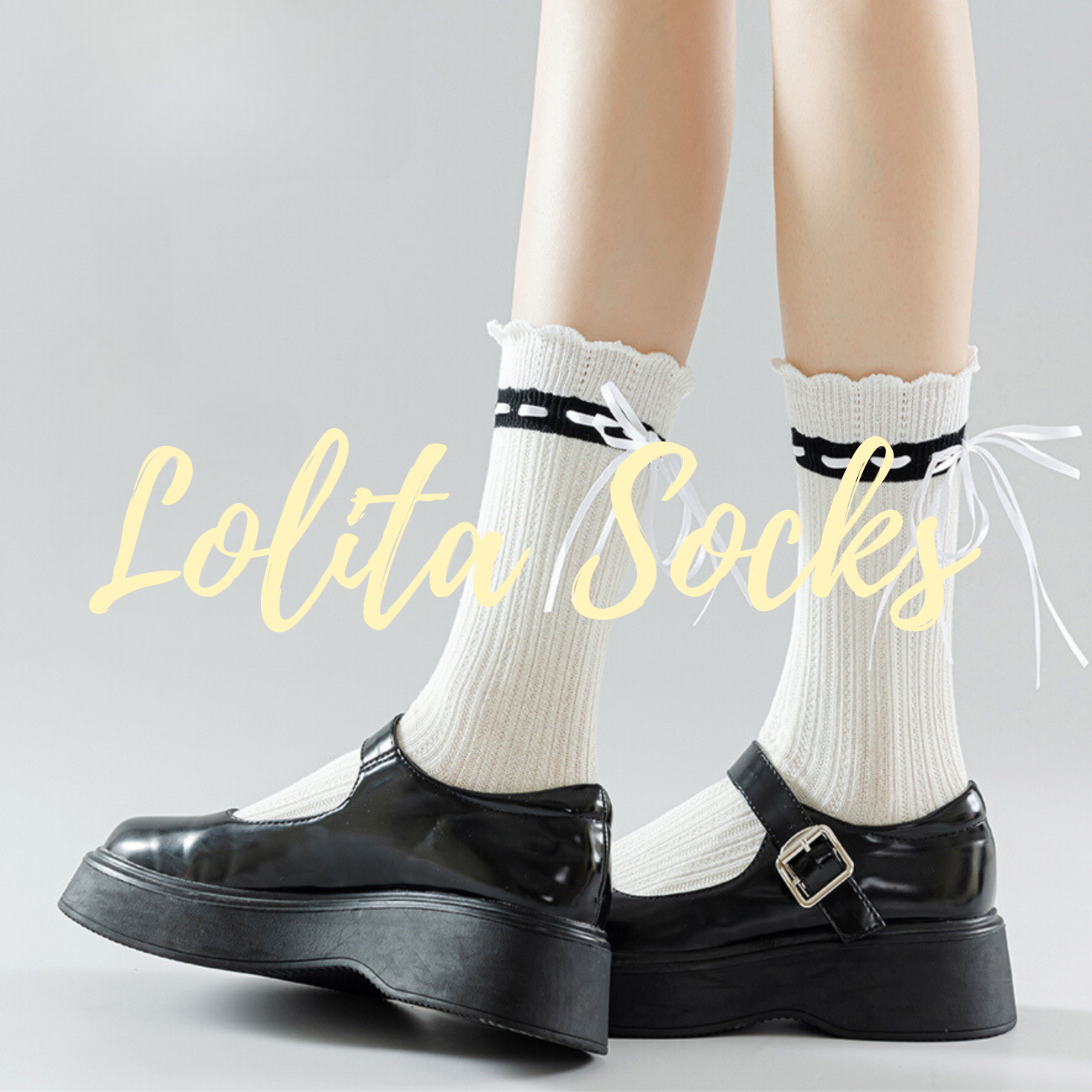
On this cream openwork sock design page, Pattern 1 is linked to a photograph of cream socks. They have vertical openwork details and a pale bow, laid out on a white surface.

The labels match, but the pictured designs do not. If you remember only “Pattern 1,” you lose the information that tells you which product you meant. Keep the page and its option together when comparing designs.
Make a short record of your choice
Once you have found the design you want, save these three things in one note:
- The complete product name and its page address.
- The exact selected option label, including its number.
- The image associated with that option.
A screenshot that includes the product name and selected label can help. Keep the matching design image with it if they do not fit in the same view. Add a brief visual note, such as “short white design beside the blue plate,” to make the record easier to recognize later.
Return to the same page before ordering
Open the saved product page and select the label you recorded. Compare its associated image with your saved choice. Focus on the details that identify it, such as the vertical pattern, bow and overall outline.
Compare a second listing separately, using its own option label and associated image. In the examples here, selecting Pattern 1 on the cream sock page would give you a different design choice from Pattern 1 on the short white sock page.
Keep design, fit and quantity separate
For these two examples, keep the design choice separate from the fit and quantity checks. Read each page’s fit information and stated contents for the selection you intend to order. The design photographs do not supply that information.
Our pair and multipack guide explains the quantity step. If a label and image leave you unsure which design you will receive, clarify that connection before ordering.
As you compare more styles in the Autumn & Winter Edit, keep each shortlisted design with its own product name, option and picture. You can then return to the exact choice you meant.